Tag: portfolio

  • New Feature Release: GitHub Integration

    Today, we’re excited to launch one of our most requested features: GitHub integration. You can now import your public GitHub repositories into Foleo with a single click and instantly turn them into clean, clutter-free, recruiter-friendly project presentations.

    Why is this important? For early-career developers, GitHub is often the most authentic record of what you can build. But raw repos aren’t always designed for hiring teams. They’re technical, noisy, and missing the context many recruiters need to evaluate your work. Foleo bridges that gap.

    How It Works

    1. Click the “Import GitHub Repo” on the Edit Projects page
    2. Add the repo URL for the project you want to showcase
    3. Foleo automatically extracts, adds, and formats:
      • Title
      • Date
      • Topics
      • Languages
      • Project & GitHub links
      • Description
      • README (Markdown and HTML supported)

    That’s it! Your GitHub repo is instantly transformed into a clean, recruiter-ready project page.
  • New Feature Release: Themes + Custom Styles

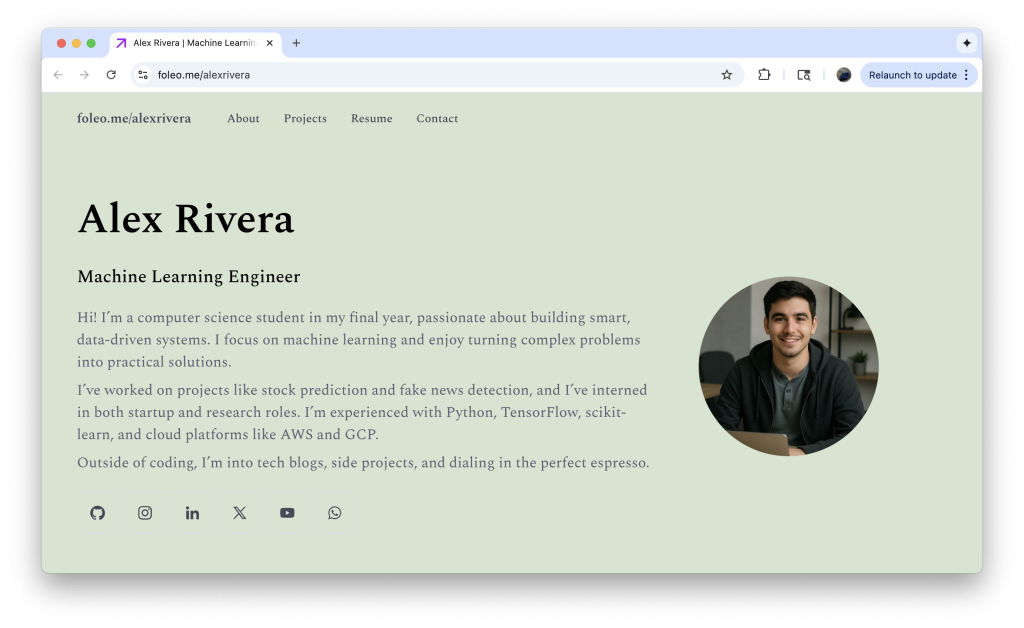
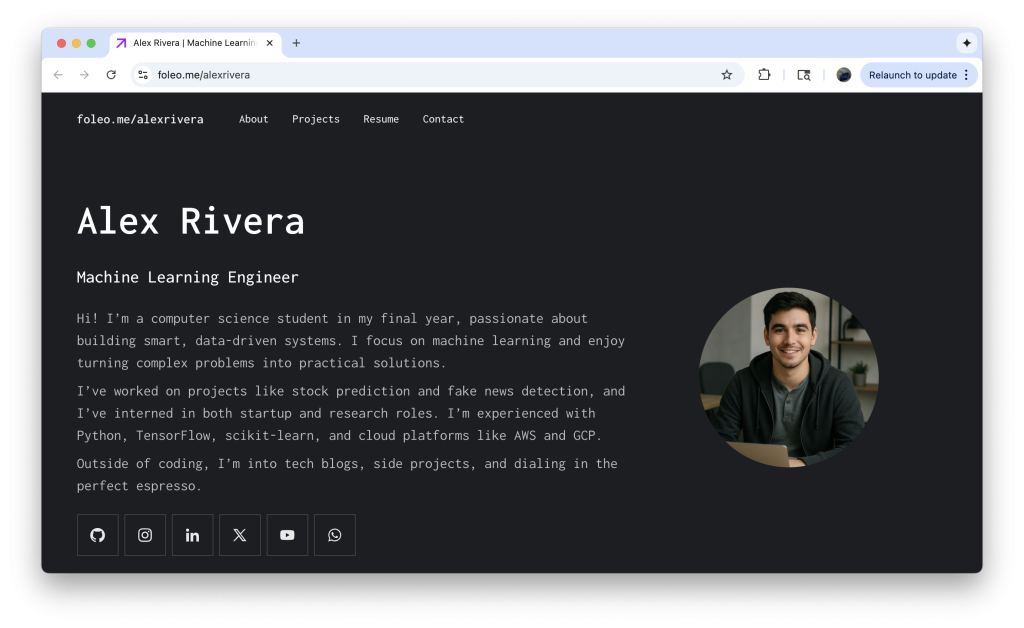
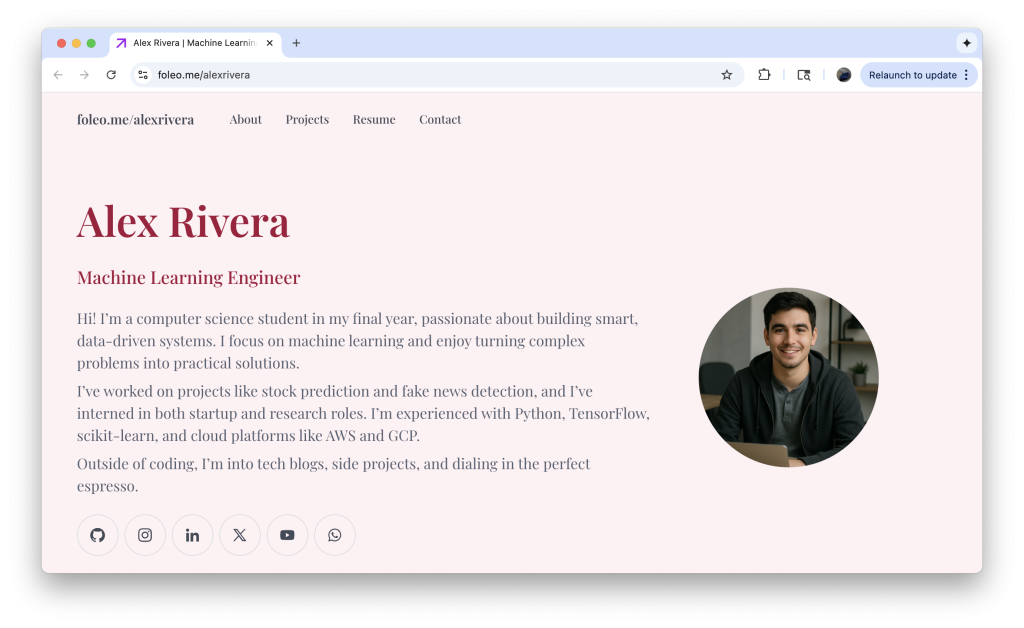
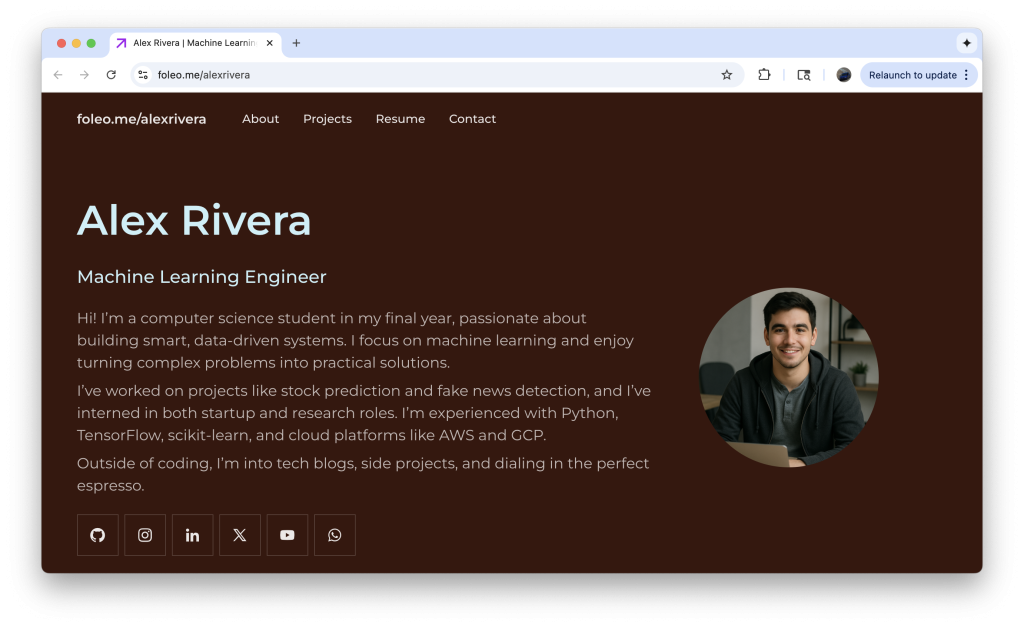
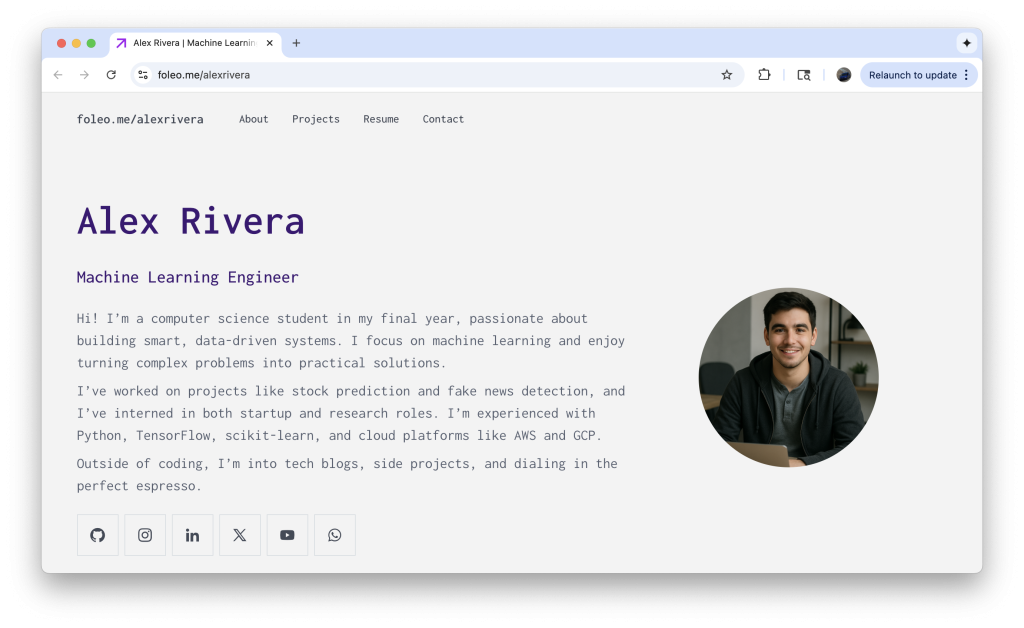
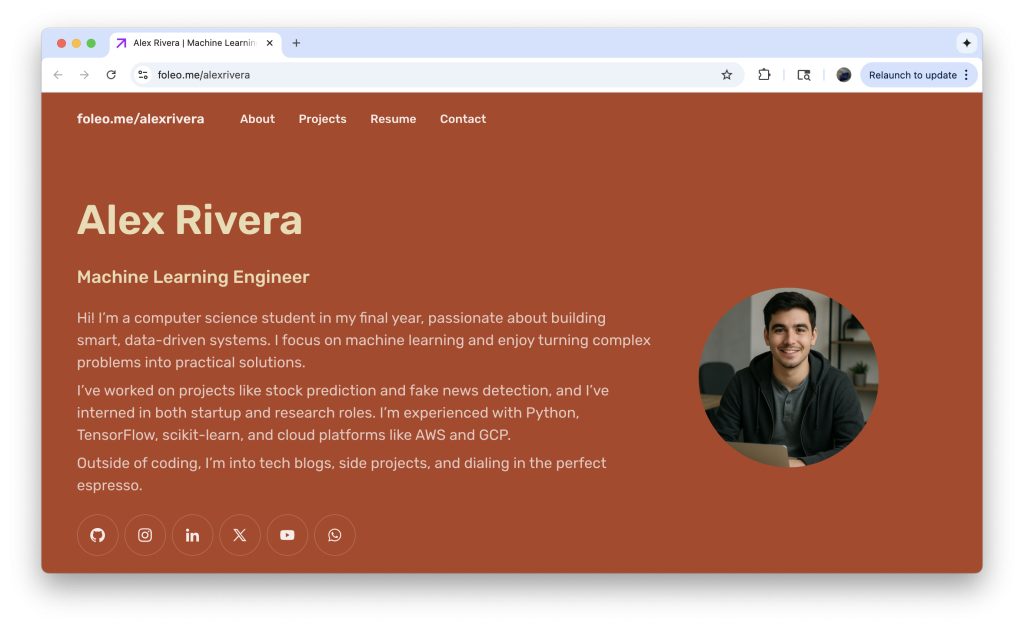
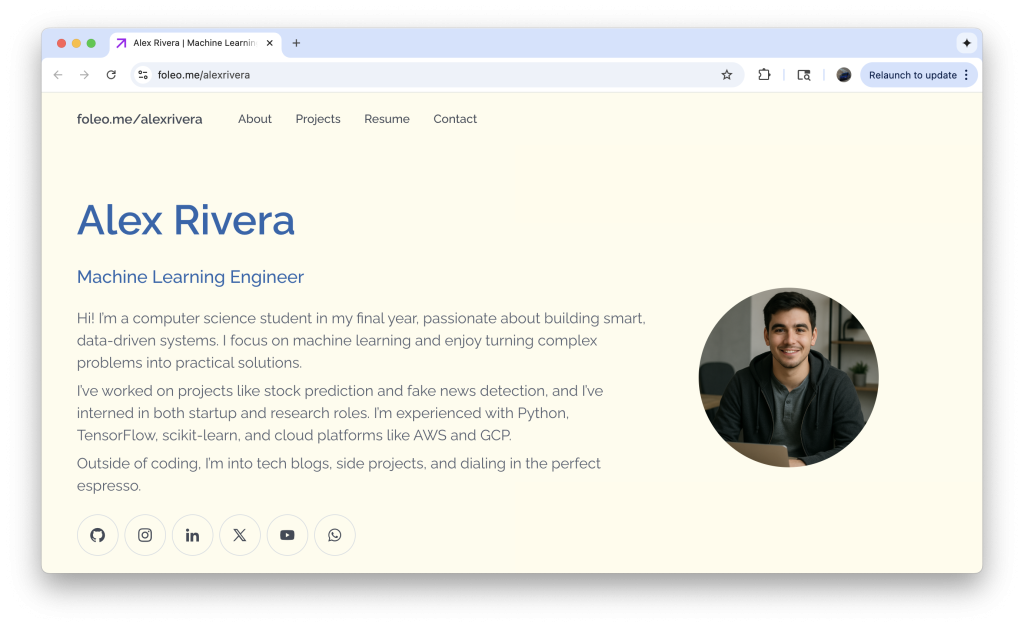
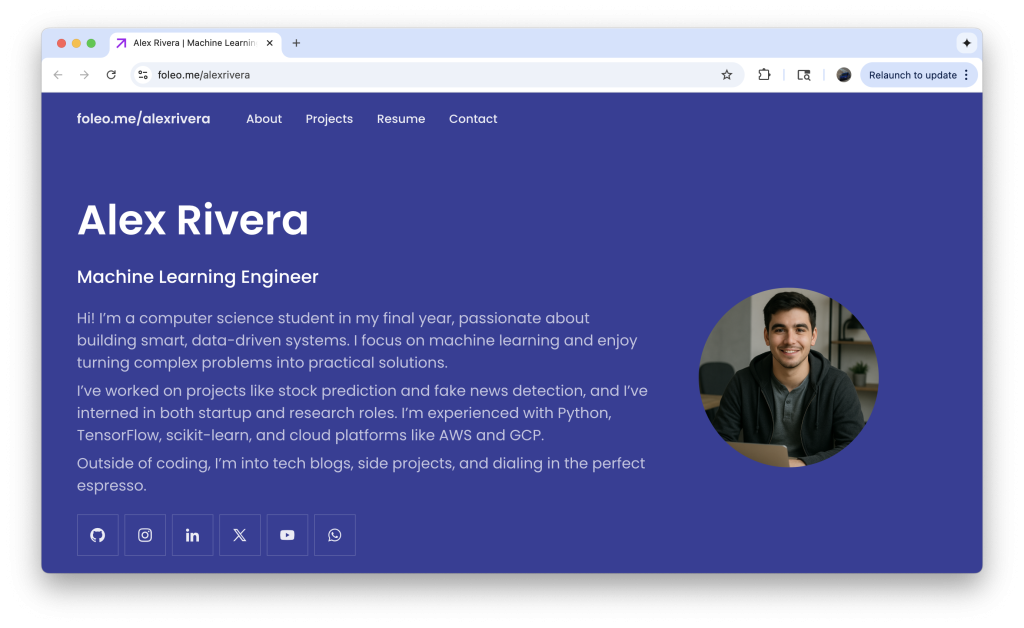
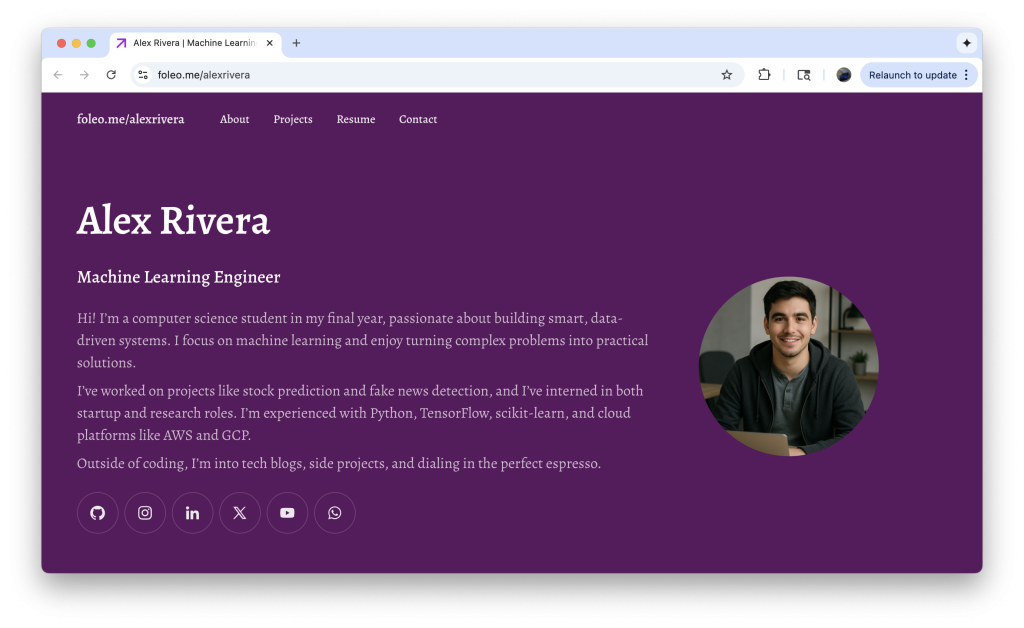
    Starting today, you can bring your foleo to life with themes and custom styles, making it easier than ever to showcase your skills in a way that reflects your personality and style.

    ✨ 24 Beautiful Themes at Launch

    We’re kicking things off with 24 professionally designed themes:

    • 12 light themes like Matcha Latte, Cherry Blossom, and Beach Day for a clean, modern look
    • 12 dark themes like Cold Brew, Northern Lights, and Amethyst Glow for bold, eye-catching portfolios

    Whether you want something sleek and minimal or vibrant and expressive, there’s a theme ready for you.

    🎨 Make It Uniquely Yours

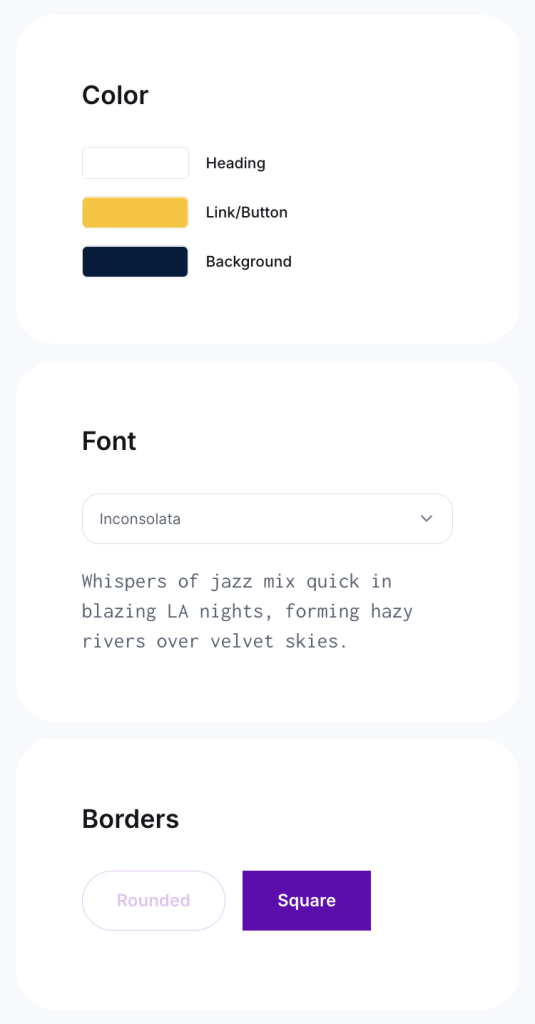
    Want more control? Go beyond presets and create your own unique theme by choosing your own:

    • Colors
    • Fonts
    • Border styles

    This gives you complete freedom to tailor your foleo to your personal brand.

    🔓 How to Unlock Themes & Custom Styles

    We’re excited to make this feature available for free for a limited time. To unlock themes and custom styles:

    1. Share your foleo on LinkedIn and
    2. Tag our LinkedIn page on the post by typing @foleo (select the one with our logo) so we’re notified

    (Tip: the easiest way to do this is from the Design page on your account.)

    Once you’ve shared your foleo, our team will unlock the feature for your account within 24 hours. If you don’t see it unlocked after that, just reach out at support@foleo.me and we’ll make sure you’re set up.

    🚀 Start Personalizing Today

    Your portfolio should represent more than your resume, it should represent you. With themes and custom styles, your foleo now gives you even more ways to stand out.